
Certification
Certificates that prove Invenias skills
Two levels, four tracks, and a code on every certificate that anyone can check.
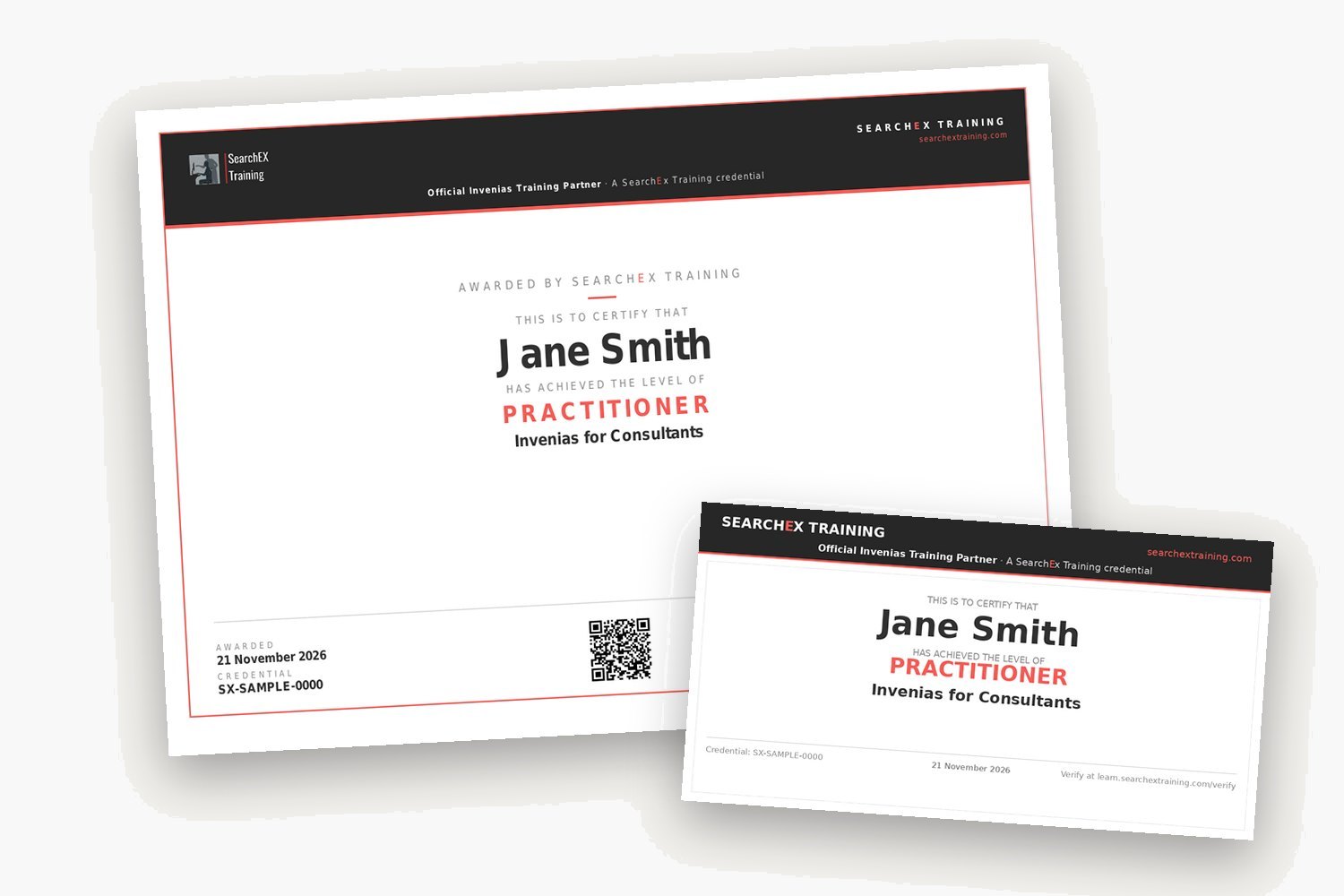
Two versions of every certificate A printable certificate and one sized for LinkedIn, each with a code anyone can check.
Why it's worth having
-
For your people
Proof of skill they can show.
Each certificate comes with a version sized for LinkedIn, so the skills your team builds are visible to clients, candidates and future employers.
-
For your firm
Know who can do what.
See which people hold which certificate, and give partners confidence that the team uses Invenias the same, proven way.
-
When you hire
Check a claim in seconds.
If a candidate says they are certified, enter their code. It is checked against our records, so a fake certificate will not pass.
-
More than attendance
Practitioner is earned, not given.
It takes a live interview on real situations, so it shows someone can do the work, not just that they sat through a course.
Two levels, earned differently
-
Foundation
Earned by completing the training.
Issued when someone finishes the learning path for the business function they work in. It arrives as a PDF, with a version sized for a LinkedIn profile. Included in every plan.
-
Practitioner
Earned by assessment.
A live interview about how the person would handle real situations in Invenias. For Invenias Automation, they complete the course and pass an assessment.
Four tracks
- Invenias for Consultants
- Business Development & Marketing
- Invenias for Administrators
- Invenias Automation
How to check a certificate
- Find the credential code. It starts with SX- and is printed on the certificate and on the holder's LinkedIn image.
- Enter the code on the checking page.
- The page confirms the holder, the level, the track and the date issued. No account or sign-in needed.

Ready to get your team certified?
Start on The Invenias Express, or book a 20-minute call with Ken Fifield to talk it through.